The first time I heard 'no-code chatbot builder,' I pictured magic wands and robots serving coffee. Turns out, building a chatbot really can be simple—though not always smooth. In this post, I'll share the truth, surprises, and little 'aha!' moments from my own no-code chatbot experiments. Buckle in for a peek behind the shiny 'no programming required' curtain.
Why Build (or Even Need) a Chatbot Without Coding?
Let’s start with a confession: my dog might be better at coding than I am. Seriously. The last time I looked at a line of Python, I think I broke out in a cold sweat. So, when I first heard about building a chatbot, my immediate reaction was, “Nope, not for me.” The idea of spending months learning a new programming language just to automate a few messages seemed completely out of reach.
That’s why the world of No Code Chatbot Builders felt like a lifeline. It promised power without the steep learning curve, and frankly, I was skeptical. But then I saw it work in real life.
A Real-World Example: The Bakery That Doubled Its Orders
A friend of mine runs a small, artisanal bakery. She was constantly overwhelmed by the same questions on Instagram and Facebook Messenger: “What are your hours?” “Do you have gluten-free options?” “How do I place a custom order?” She was losing potential sales because she couldn’t reply fast enough.
On my advice, she tried a simple chatbot creation tool. She spent a Saturday afternoon setting up automated answers to her top 5-10 questions. No code, just a visual drag-and-drop editor.
The result? She freed up hours each day and, more importantly, doubled her online cake orders within a month. Customers got instant answers and could place an order right in the chat.
This was my lightbulb moment. For small businesses, operational efficiency isn't just a buzzword; it's the key to survival and growth. This trend of automating customer service without expanding staff or budgets is a game-changer.
More Than Just Answering Questions
The beauty of a no-code approach is its accessibility. These tools are designed for business owners, marketers, and educators—not developers. They save time for non-geeks and tech wizards alike. Here’s why they are so powerful:
Instant Deployment: You can have a functional bot running on your website, social media pages, or even WhatsApp in a matter of hours, not weeks. Platforms like ManyChat and Landbot are fantastic for this.
Visual Building: Forget complex syntax. Tools like HubSpot's chatbot builder use visual flow editors. If you can draw a flowchart, you can build a chatbot.
Cost-Effective: You don't need to hire an expensive developer or agency. A small monthly subscription is often all it takes to get started.
My quest to find the best no-code chatbot wasn't just a technical experiment. It was about finding a practical way to solve real business problems, level the playing field for smaller players, and prove that you don’t need to write code to create something incredibly valuable.
Inside the Toolbox: Drag-and-Drop, Visual Flow, & AI Surprises
Okay, let's pop the hood and see what these no-code chatbot builders are actually made of. When I first logged in, I felt like a kid in a candy store—so many shiny tools! But which ones actually matter? After hours of tinkering, I realized it all boils down to a few core components that do the heavy lifting. Here’s what I found in my digital toolbox.
The Drag And Drop Interface: My First Foray into Digital LEGOs
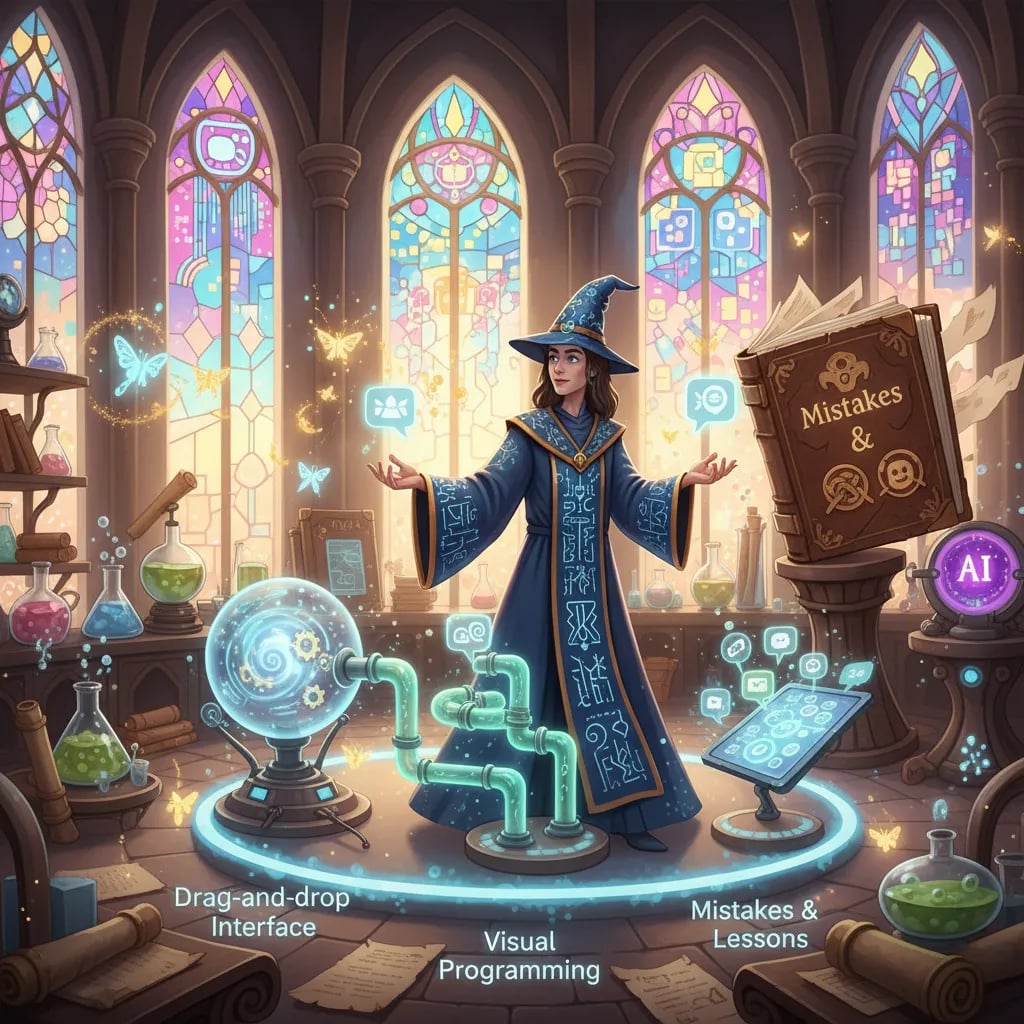
My first time using a Drag And Drop Interface was... interesting. The promise is simple: grab a block (like "Ask a Question" or "Show a Message") and snap it into place. It's like building with digital LEGOs. While it wasn't as completely painless as promised—I definitely connected a few blocks the wrong way at first—there’s a real, tangible satisfaction in seeing your conversation take shape visually without a single line of code.
Mapping Conversations with a Visual Flow Builder
This is where the magic really happens. Most no-code platforms I tried, from the powerful Botpress to the user-friendly Landbot and Jotform, use a Visual Flow Builder. Think of it as plotting a choose-your-own-adventure story. You draw lines from one block to another, creating paths for the user. If they say "Yes," they go down one path. If they say "No," they go down another.
It makes designing conversations incredibly intuitive. My biggest mistake here? The 'I-made-my-bot-too-chattery' trap! I created so many branches that my first bot felt like it was interrogating users. A key lesson: keep it simple.
Imagine your chatbot as a host at a chaotic digital party—would it keep everyone talking, or just the spam bots? The goal is to guide the conversation, not control it with an iron fist.
The AI Surprises: Training Your Bot to Understand Humans
I initially thought no-code bots were just a series of buttons. I was wrong. The rise of the AI Powered Chatbot on these platforms is a game-changer, and this is where the real surprises came in. Instead of just clicking buttons, users can type freely, and the bot actually understands.
This is thanks to something called Natural Language Prompting. I could literally train my bot by typing out example conversations. For instance, I’d teach it that "book a demo," "schedule a call," and "I want to see it work" all mean the same thing. These AI-powered, no-code platforms are evolving rapidly, making this process
Common Pitfalls and Micro-Victories: What I Wish Someone Told Me First
Diving into the world of no-code chatbot builders, I expected a straightforward, drag-and-drop paradise. The reality? It was a little more complex. My first piece of advice is this: not everything is as simple as it seems. There’s a definite learning curve, and sometimes your perfectly designed chatbot feels like it’s taken up interpretive dance instead of answering questions.
Imagine this: you spend hours training a bot for your online bookshop’s FAQ. You feed it data on shipping times, return policies, and store hours. But when a customer asks, “Do you have any sci-fi new arrivals?” your bot enthusiastically replies, “You would love our latest historical romance novel!” It’s a frustrating, almost comical, pitfall where the bot’s logic goes completely off-script. This is where I learned that testing and iterating aren't just suggestions; they are the most critical part of the process.
From Frustration to Function
But then, the micro-victories start to happen, and they make all the trial and error worthwhile. There’s nothing quite like the moment you finally get the Website Embedding Options just right, and your chatbot widget appears perfectly on your homepage. My biggest win came from a simple piece of customer feedback:
"That little chat reply saved me a phone call. Thanks!"
That one sentence was proof that this experiment was working. It was a small interaction, but it validated all the effort. It showed that even a simple, no-code bot could genuinely improve a user's experience.
Tackling the "Scary" Tech Stuff
I’ll admit, terms like API Integrations used to intimidate me. I pictured lines of code and cryptic error messages. However, I was shocked at how straightforward many no-code platforms make this. Connecting my bot to a spreadsheet to log inquiries was a matter of a few clicks, not a deep dive into a developer’s manual. It was a huge relief and a powerful reminder that "no-code" is about lowering these technical barriers.
Another feature I wish I’d known about sooner is Exportable Source Code. Some builders let you take what you’ve built and move it elsewhere. This is your escape hatch—a safety net in case you outgrow the platform or want to hand your project over to a developer for more advanced customization. It provides flexibility, ensuring your hard work isn't locked into one system forever.
So, can you really build a chatbot without writing code? Absolutely. But it’s not a magic wand. It’s a journey of small adjustments, unexpected quirks, and rewarding breakthroughs. The path is less about being a technical genius and more about being a patient problem-solver. While no-code tools dramatically reduce the setup time, the real art lies in listening to your users, refining your bot's flow, and celebrating those micro-victories that prove you’re on the right track.